



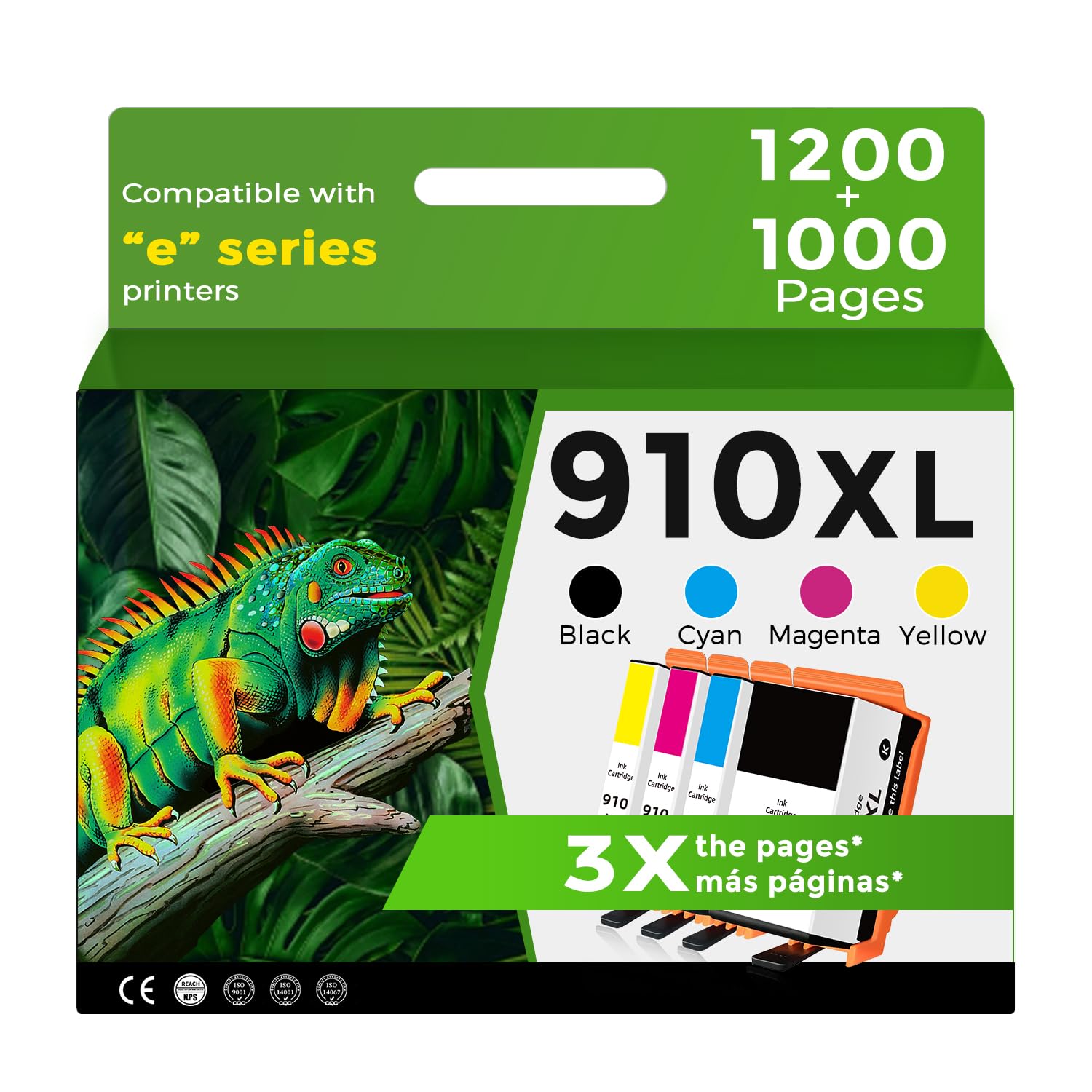
For HP 910 910XL Compatible Ink Cartridges with HP+ Service
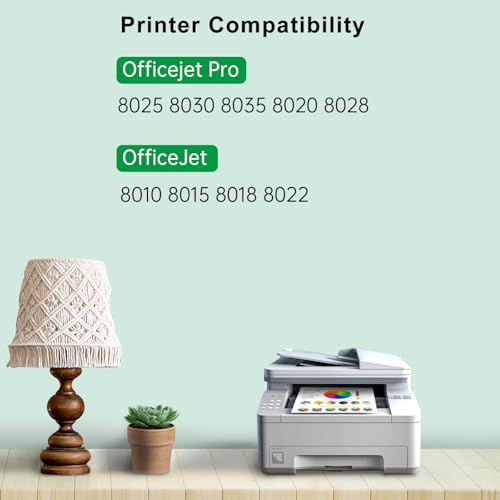
This combo pack of 910XL ink cartridges is compatible with the following printer models: - E Series Printers: HP OfficeJet 8010e, 8012e, 8014e, 8015e, 8022e - OfficeJet Pro: HP OfficeJet Pro 8020e, 8024e, 8025e, 8028e, 8035e
The SAILNER 910 910XL ink cartridges ensure more natural colors and clearer, more brilliant prints on daily documents, reports, letters, graphics, and pictures. Experience vibrant and sharp images every time you print.
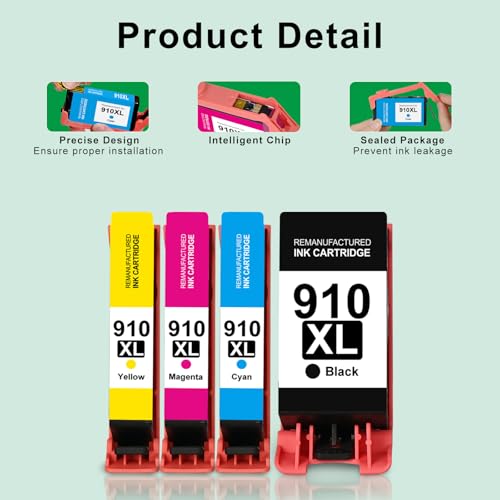
These cartridges come with built-in smart chips, ensuring: - Strong compatibility - Fast recognition - Real-time ink level indication
Enjoy smooth and high-efficiency printing to meet all your needs.
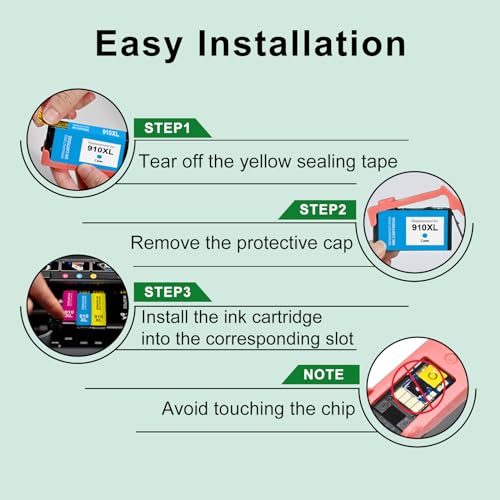
If your printer shows an error message, try these steps: 1. Clean Contact Points: Use a clean soft cloth or cotton swab to gently wipe the contact points between the cartridge and the printer slot to remove dust or dirt. 2. Reinstall Cartridge: Remove the cartridge from the printer, reinstall it, and ensure it is properly and completely inserted into the slot. 3. Restart Printer: Turn off the printer, unplug it, wait 30 seconds, plug it back in, and turn it on. Check if the error has been cleared.
By following these steps, you should be able to resolve most printing issues.


 Sale
 Sale
 Sale
