
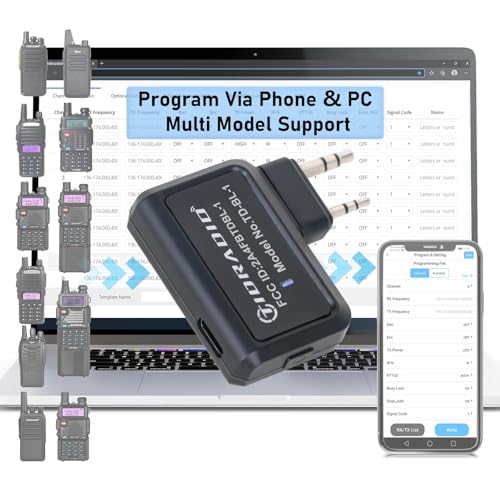


Thank you for choosing Odmaster for your radio programming needs. Now, you can directly connect your PC Bluetooth and program radios via the Odmaster Web. No plugins required—just open the web interface and link your programmer. Support for CHIRP CVS import ensures a seamless programming experience.
APP and Web share frequency data across phones and PCs, making programming more efficient. Program on your PC, sync to your account, and then write the settings to your radio using the BL-1 on your phone when needed. Pre-programmed templates are available for the same model, ensuring consistency.
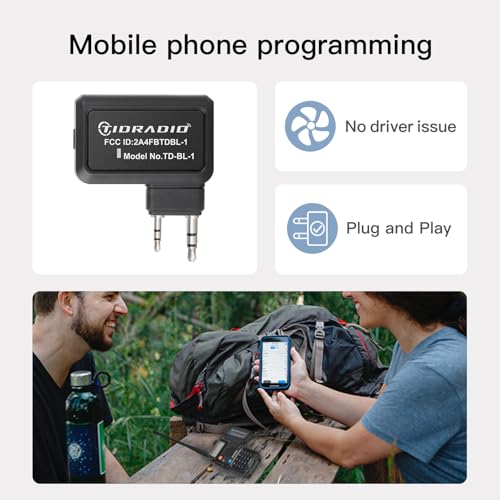
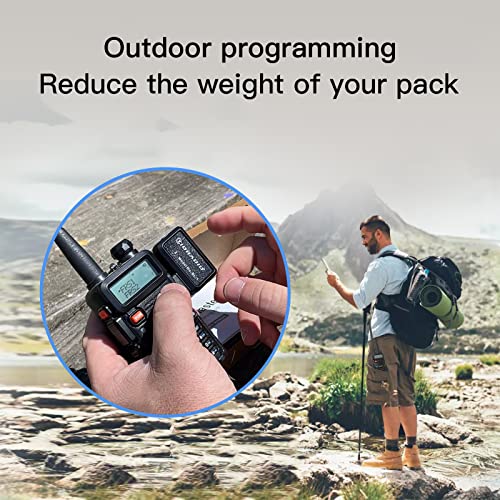
Use the Odmaster APP to quickly program your walkie-talkies. Connect to your nearest repeater and customize the buttons on your radios. The APP is smarter and more convenient than Chirp, supporting batch programming via the Web ODmaster on your PC.
This tool supports a wide range of radios, including BAOFENG models such as the 5RM (AR-5RM, UV-5RM), GM-15 PRO, UV-5G Plus, 5RM-GMRS, GM-5RM, UV-21R, UV-17R, and 5RX, as well as K5Plus. Visit the ODmaster APP/Web for a full list of supported models. Radios like the TD-H3 and TD-H8 come with built-in Bluetooth programming functions, eliminating the need for external programmers.
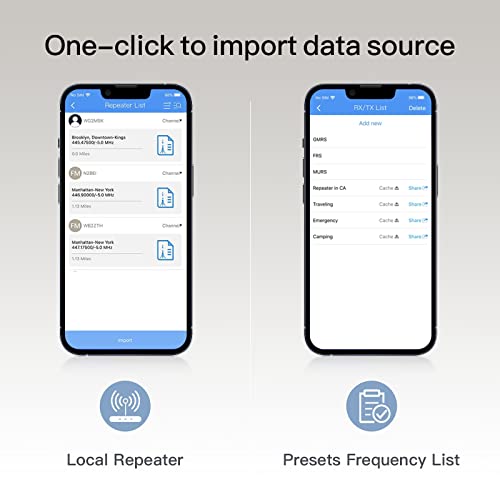
Easily import nearby repeater configurations to your radio, enhancing your communication range. Set your distance or search location in the top-right corner to get a list of available channels. Select the channel, click "Import," and then "Save" (or just "Save" if no other channel data has changed).
Enjoy a 365-day quality guarantee with Odmaster. If you're not satisfied, let us know. We're here to help. For support, go to 'Orders' > 'Get help' > select the order > click 'other' > send 'seller' > then provide your problem.
Click the yellow "Add to Cart" button for a worry-free purchase. Contact us anytime with questions or suggestions.




 Sale
 Sale
 Sale
