
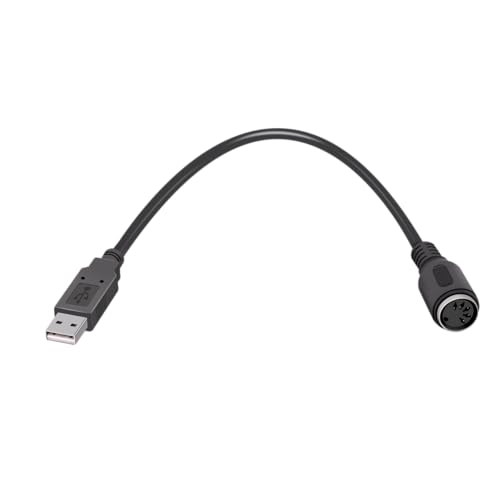
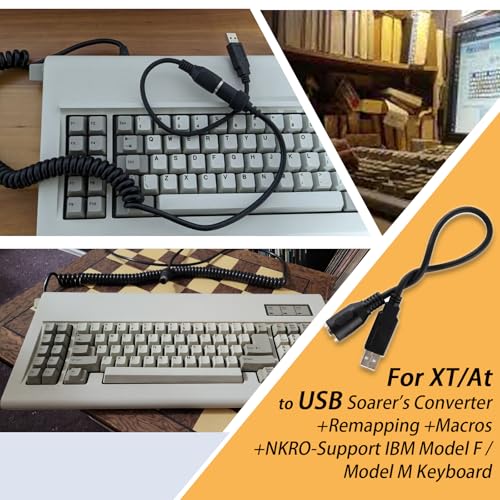
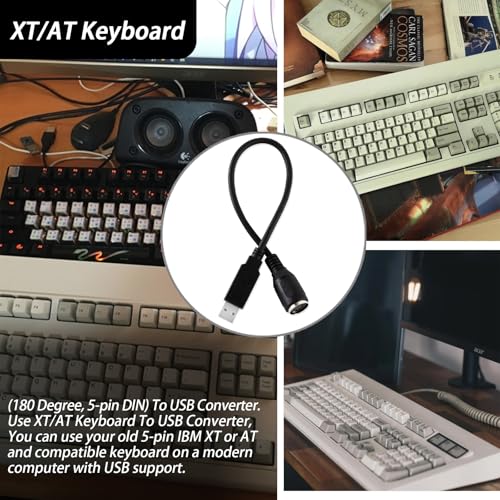
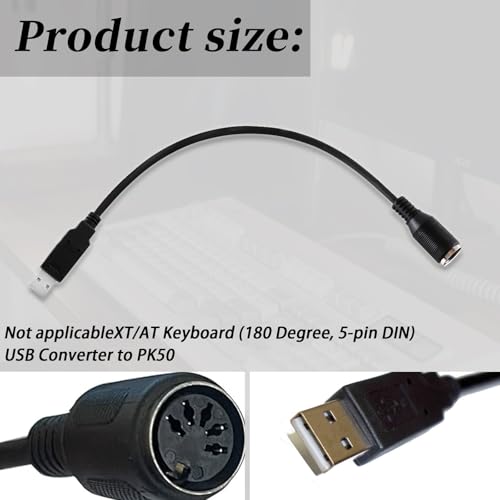
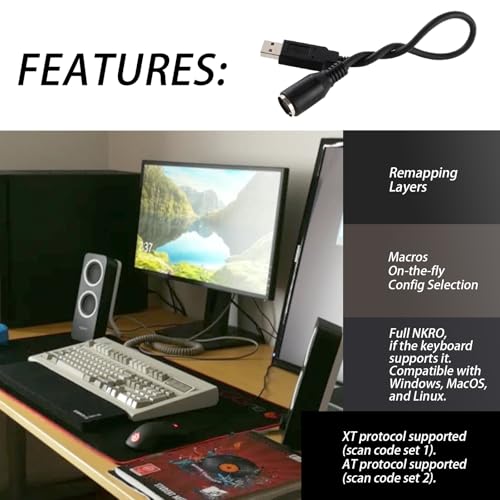
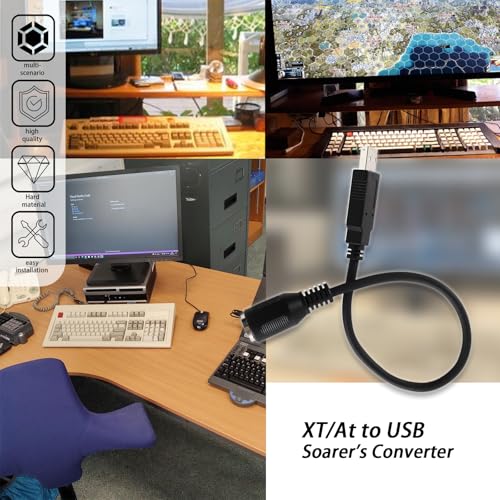

Assign Any Key to Any Other Key: Easily map any key to another, including media volume controls or specific keys like "Command/Windows". For example, assign the "F12" key to send "Control-Alt-Delete" or set a single key to perform a long shortcut like "Alt-C" for "copy."
Macros
Single Key Press for Multiple Actions: Configure a single key press to perform a series of key actions. Ideal for gaming, setting "F12" to send "Control-Alt-Delete" or assigning "Alt-C" to quickly copy text.
Function Layers
Unlocking Additional Functions: Activate extra functions by holding down the function key, similar to adding extra "Shift" keys. This adds more functionality to existing keys.
IfSelect
Temporary Key Redefinition: Press a key to temporarily change the function of any number of keys. For example, pressing "Num Lock" changes the behavior of the number pad keys.
Configuration and Setup
No Additional Drivers Needed: Configure your settings in a text file and upload it to the converter. This is easily done using Windows. The configuration is stored in the cable and works on any modern computer with USB support.
Why Choose This Converter?
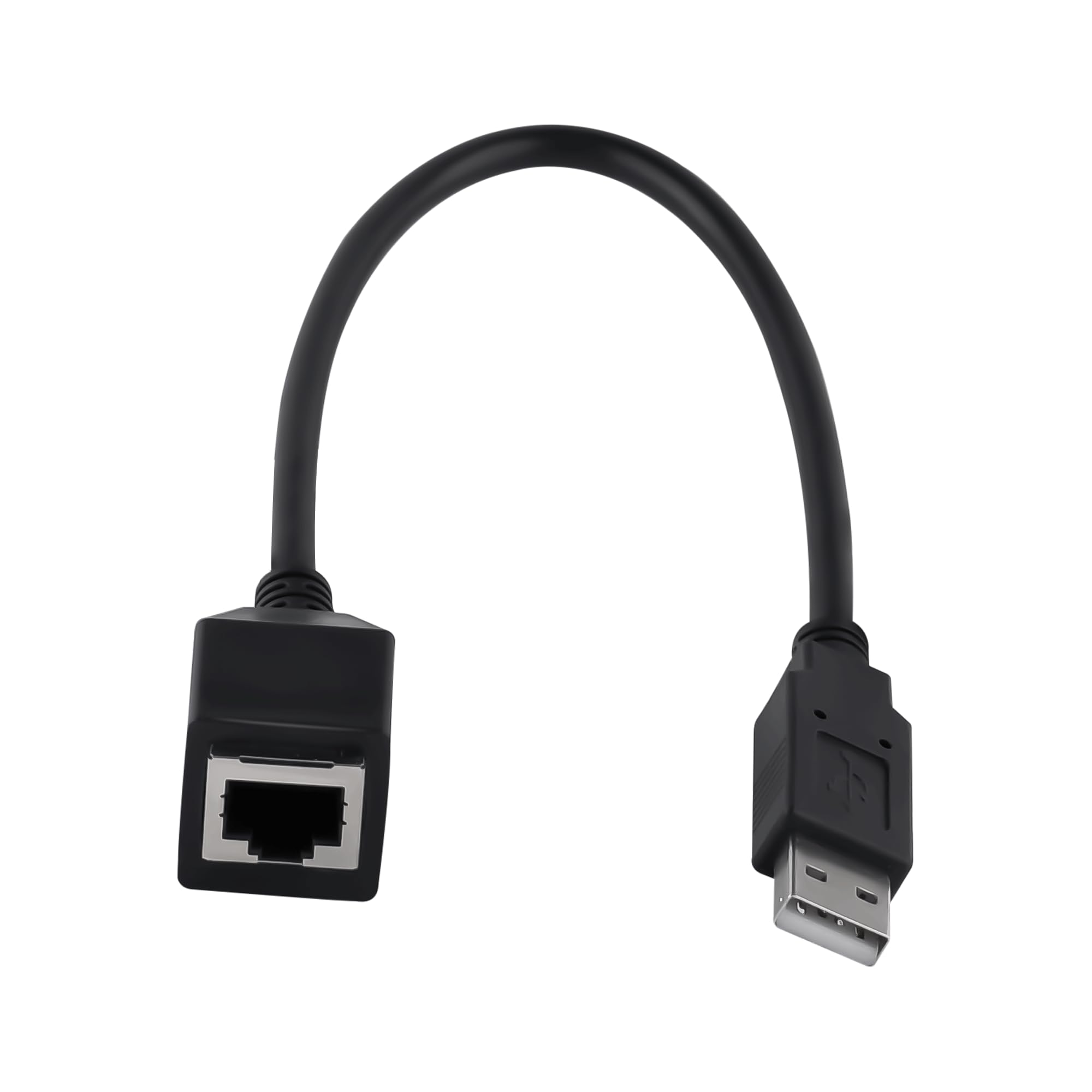
To set up these special features, you can follow the original threads by Soarer on "Soarer's Converter". Use the "XT/AT Keyboard to USB Converter" to seamlessly integrate your old keyboard with modern devices.


 Sale
 Sale
 Sale
